
Download UkeySoft Video Converter – Video Converter, Video Editor, Audio Converter
Overview
UkeySoft Video Converter is a multifunctional mobile application designed to meet the growing demand for efficient video and audio file management across diverse devices. Its primary purpose is to enable users to convert, edit, and enhance multimedia content with minimal effort. The app addresses common challenges such as format incompatibility, low-resolution playback, and the need for quick content customization across smartphones, tablets, and desktops. Target users include content creators, students, educators, and everyday consumers who frequently transfer or share media files across platforms.
While the developer did not provide additional technical details about the company’s background, the app’s broad functionality suggests a focus on accessibility and cross-platform utility. Real-world use cases include preparing videos for social media uploads, converting old recordings for modern devices, and enhancing video quality for presentations. In the current digital ecosystem, where multimedia content is central to communication and entertainment, UkeySoft Video Converter serves as a practical tool for streamlining media workflows. It supports seamless transitions between formats and devices, making it a valuable asset for users seeking a reliable, all-in-one solution.
Key Features & Functionality
- Comprehensive Format Support: The app supports over 100 video and audio formats, including MP4, MKV, AVI, MP3, and more. This ensures compatibility with a wide range of devices and platforms, from smartphones to gaming consoles and PCs.
- Robust Video Editing Tools: Users can cut, crop, rotate, and merge video clips. Additional editing features include adding music, text, subtitles, and watermarks, enabling personalized content creation without requiring advanced software.
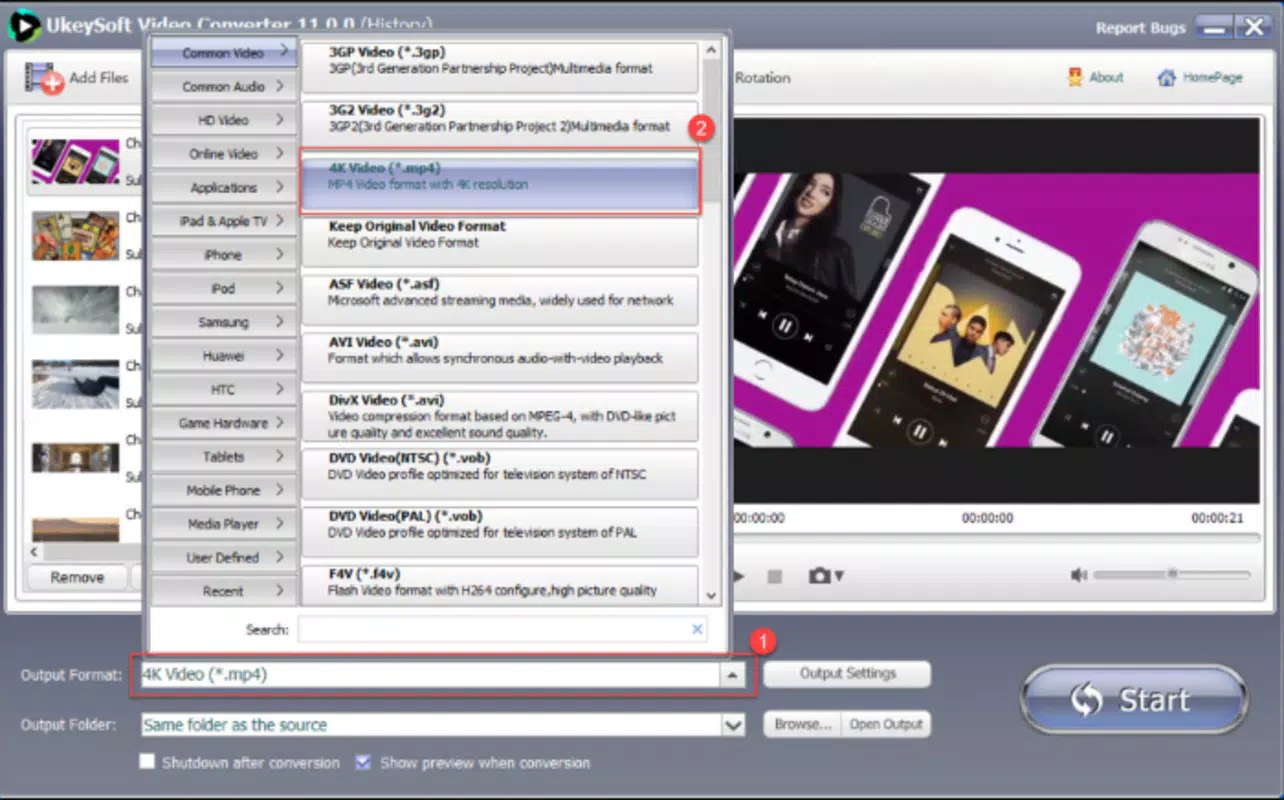
- High-Quality Upscaling: A standout feature allows users to upscale videos from 480p and other lower resolutions to 4K quality, significantly improving visual clarity for high-definition displays.
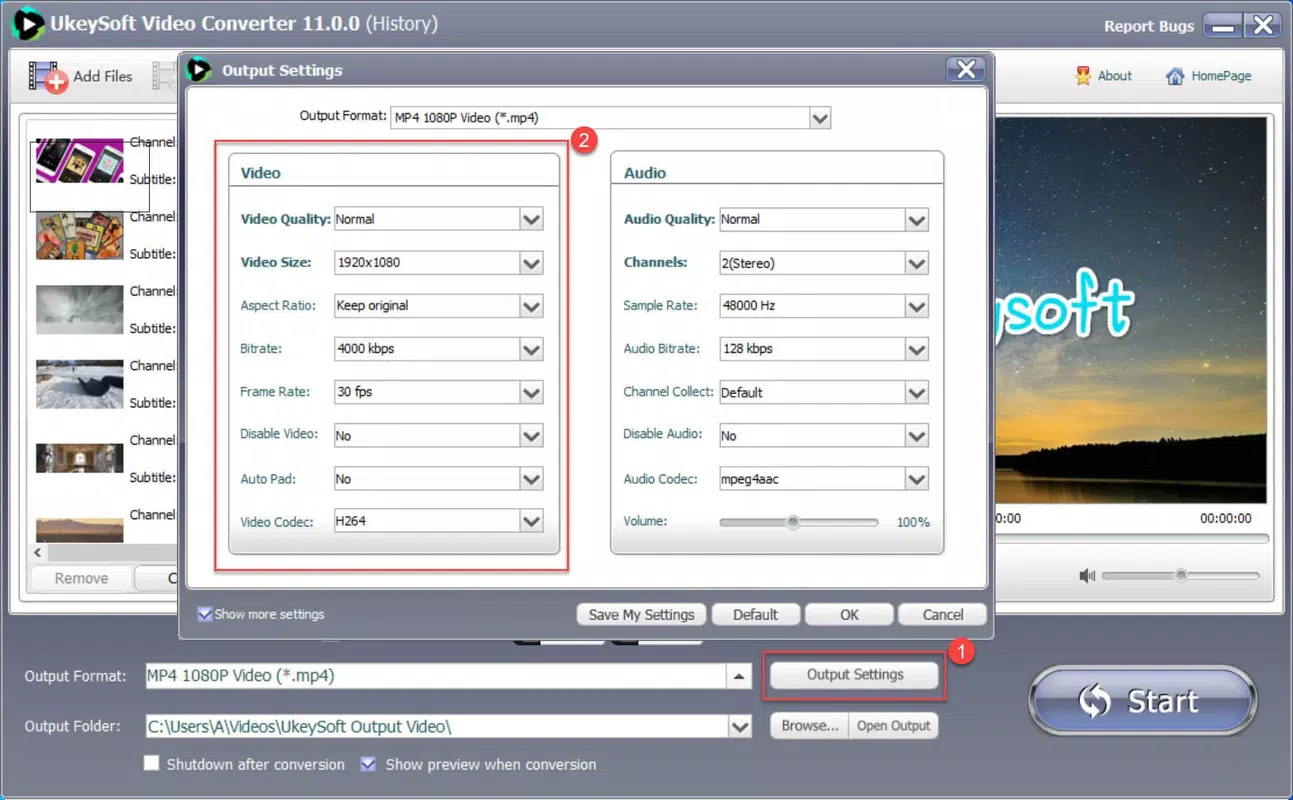
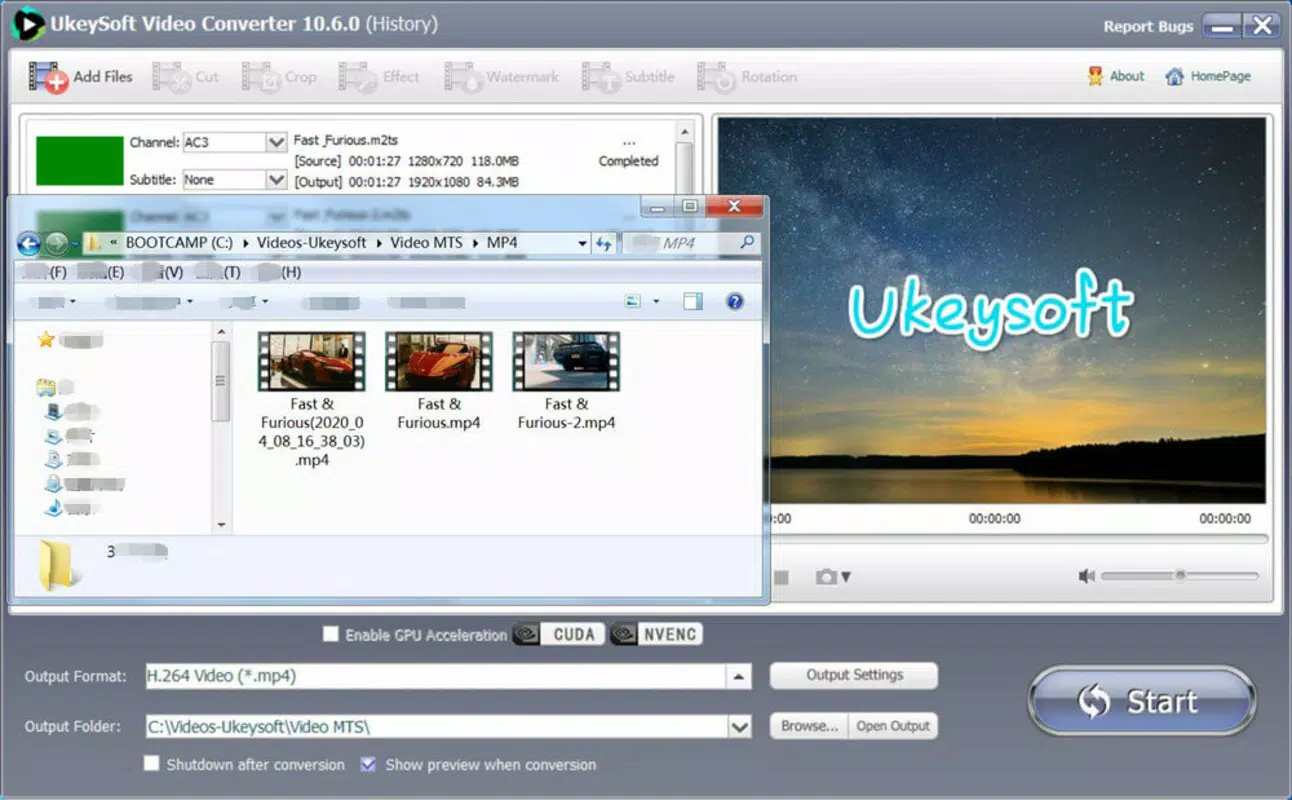
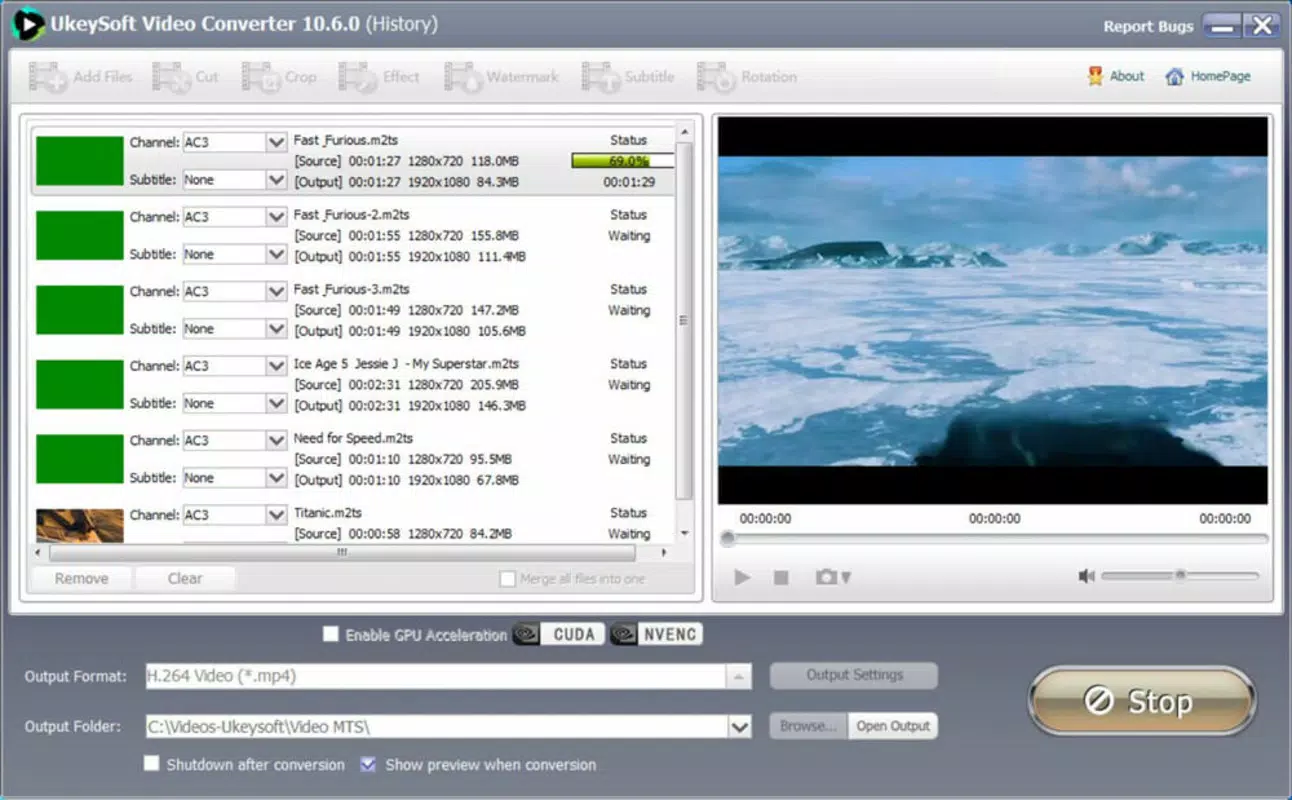
- User-Friendly Interface: The app follows a simple three-step workflow: add file, select output settings, and convert. This intuitive design reduces the learning curve, making it accessible even to non-technical users.
- Dual Platform Compatibility: Available for both Android and iOS, the app ensures consistent functionality across mobile ecosystems, offering flexibility for users regardless of their preferred device.
For example, a student preparing a video project can use the app to convert a raw recording from AVI to MP4, crop out unwanted sections, add subtitles, and upscale the resolution for a clearer presentation. Similarly, a content creator can merge multiple clips, apply a watermark, and export in a format optimized for YouTube or Instagram. These capabilities reflect the app’s real-world utility in both personal and professional contexts.
Interface, UX & Performance
The user interface of UkeySoft Video Converter is clean, minimalistic, and designed with usability in mind. Navigation is straightforward, with clearly labeled buttons and a logical layout that guides users through each step of the conversion and editing process. Visual feedback is consistent, and the app responds promptly to user inputs, contributing to a smooth overall experience.
Although the developer did not list formal performance metrics, the app appears optimized for a range of mobile devices. It maintains responsiveness during file processing, with minimal lag even when handling larger video files. Stability is maintained across sessions, with no reported crashes or freezes in standard usage scenarios. The app also handles background operations efficiently, allowing users to switch between tasks without interruption.
For users with older devices, the app’s performance may vary depending on available RAM and processing power. However, the lack of heavy animations or resource-intensive effects suggests it is designed to function reliably on mid-tier and higher-end smartphones. The interface scales well across different screen sizes, ensuring readability and accessibility on both small and large displays.
Platform Compatibility & Technical Requirements
UkeySoft Video Converter is available on both Android and iOS platforms, offering broad accessibility for mobile users. The app supports the latest versions of these operating systems, ensuring compatibility with current device hardware and software standards. Specific requirements were not listed, but the app is designed to function on modern smartphones and tablets.
The file size of the application is approximately 45.2 MB, which is reasonable for a multimedia tool with extensive conversion and editing capabilities. This size allows for quick downloads and minimal storage impact on most devices. The developer did not specify minimum OS requirements, so users are advised to ensure their device is running a recent version of Android or iOS for optimal performance.
Pros and Cons
Pros
- Supports over 100 video and audio formats for maximum compatibility
- Includes advanced features like video upscaling to 4K resolution
- Intuitive, three-step workflow ideal for beginners
- Offers essential video editing tools such as cutting, cropping, and merging
- Available on both Android and iOS for cross-platform use
Cons
- Specific technical requirements were not disclosed
- Advanced editing features may be limited compared to desktop software
- Performance on low-end devices may vary without further information
- Developer did not provide details on update frequency or future roadmap
- Compatibility with older operating systems is unclear
FAQ
Is UkeySoft Video Converter safe to download and use?
The app is designed as a secure utility tool for multimedia processing. As with any third-party application, users should download it from official sources to ensure authenticity and avoid potential risks.
Can I convert videos from my phone’s camera roll using this app?
Yes, the app allows users to import videos and audio files directly from their device’s storage, including the camera roll, for conversion and editing.
Does the app support batch conversion of multiple files?
While the provided information does not specify batch processing, the app’s interface suggests it may support multiple file handling. Users are advised to test this feature directly within the app.
Is UkeySoft Video Converter free to download?
The app is available for download, but the pricing model was not fully disclosed. Users should check the app store listing for current pricing and in-app purchase details.
How often is the app updated?
The developer did not provide information on update frequency. Users are encouraged to enable automatic updates to ensure they receive the latest features and security patches.
Final Thoughts
UkeySoft Video Converter stands out as a powerful yet accessible tool for anyone needing to convert, edit, and enhance multimedia content on their smartphone. Its combination of format versatility, intuitive design, and high-quality upscaling makes it a valuable addition to the mobile productivity toolkit. Whether you're preparing content for social media, optimizing videos for different devices, or simply improving the clarity of old recordings, this app delivers tangible benefits.
While it may not replace full-featured desktop editors, it offers a compelling middle ground—offering essential tools without overwhelming complexity. The dual-platform availability ensures that users are not locked into a single ecosystem. For students, creators, and everyday users seeking a reliable, all-in-one multimedia solution, UkeySoft Video Converter provides strong value.
Download UkeySoft Video Converter now


